A more personal business messenger
Intercom 2016
Shortly after joining Intercom, I learned I’d be leading the redesign of our messenger, alongside two brilliant designers: Brendan Fagan on mobile and Jakub Antalik on the visual identity.
Inspired by the company mission — “making internet business more personal” — our goal was to build the most personal business messenger: something closer to a WhatsApp chat than a customer-support form, where businesses could show their personality and authenticity.
Quick overview
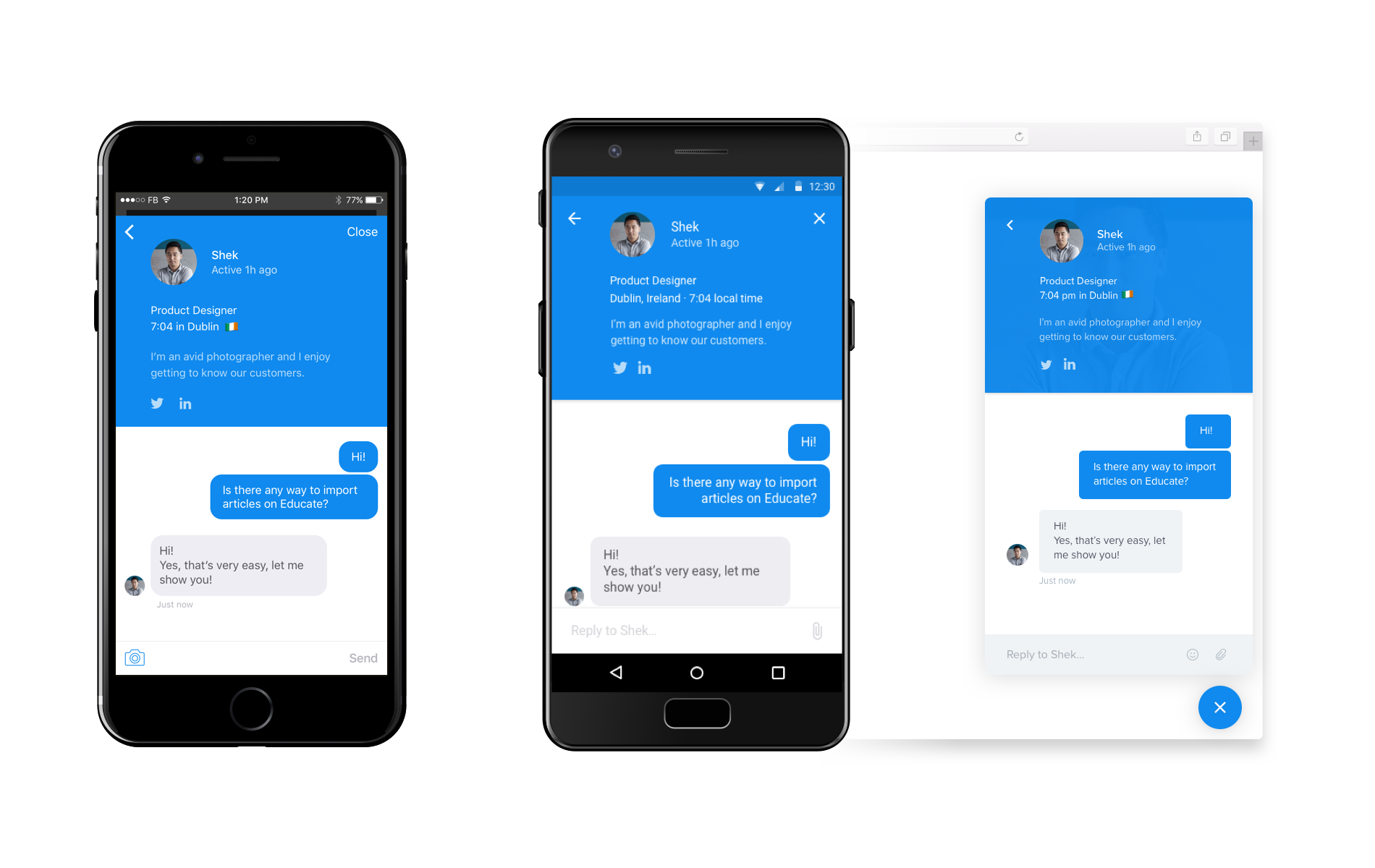
First, a look at the redesign across platforms.
The Intercom messenger lets people talk to a business — for support, feedback, or marketing. Most conversations are asynchronous: someone sends a message and comes back later for the reply.
Back to first principles
At Intercom, peeling back to first principles is almost a tradition. So before the design details, why did this project matter so much?
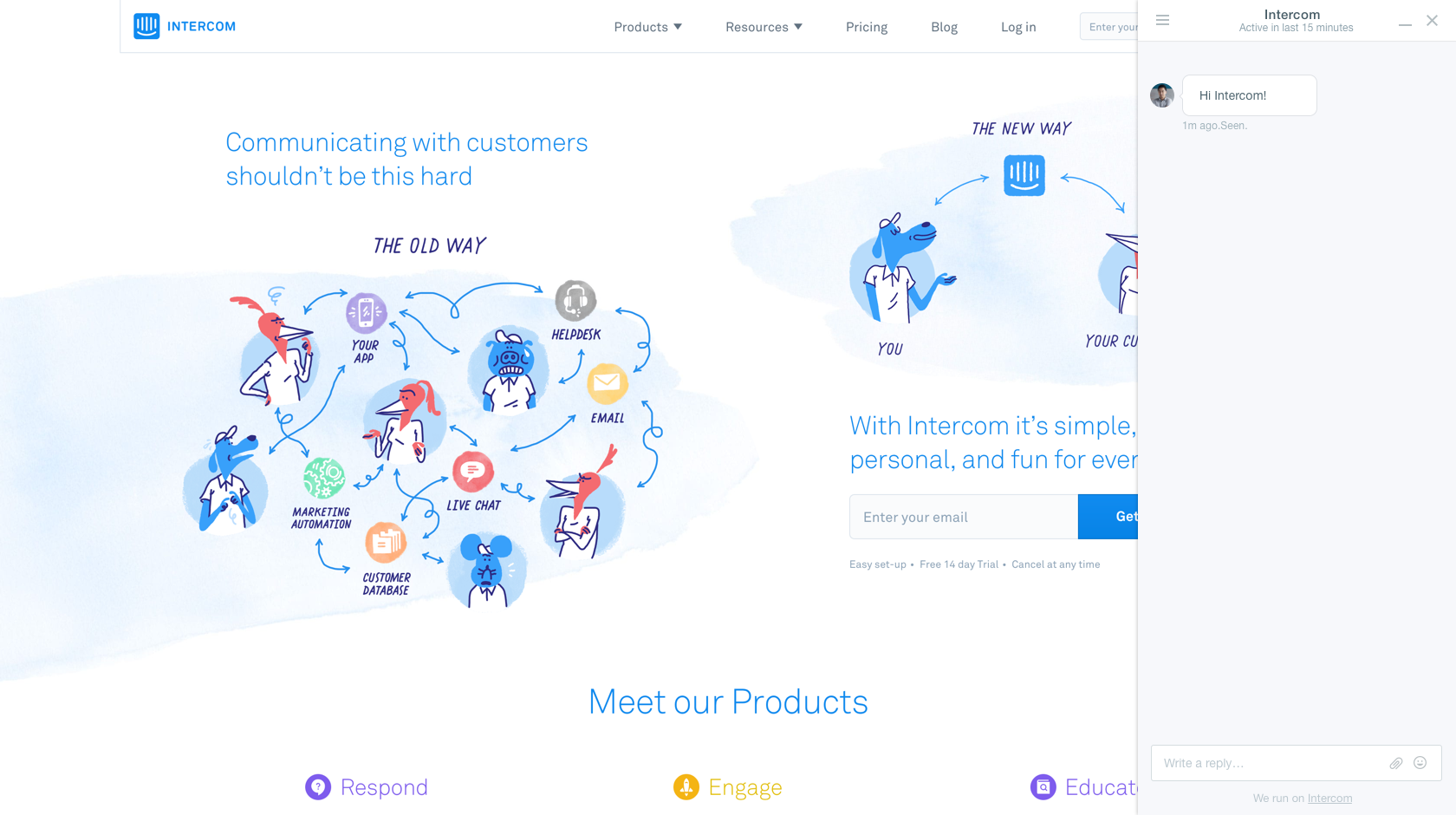
The previous messenger worked well, and we could have spared ourselves a rebuild. But we believed the live-chat model was broken and misaligned with our mission. We wanted a more casual, personal way for businesses to talk with customers, inspired by consumer messaging apps (Facebook Messenger, WhatsApp, Telegram). A change that big meant questioning every existing decision from scratch.
Enabling businesses to be personal
In practice, that meant borrowing standard patterns and features people already use every day.
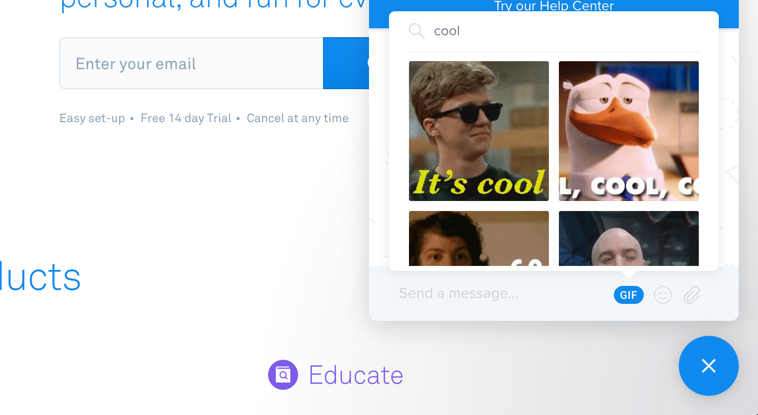
GIFs are a good example. I was skeptical at first — I couldn’t picture people sending GIFs in a customer-to-business chat. But they fit our mission and the project’s borrow-from-consumer-apps principle so well that we had to try. The plan was simple: get the tool into people’s hands, see what they did with it, and kill it if it flopped.
It didn’t flop. People used GIFs in their own personal way, making conversations far more casual and authentic.
Teammate profiles are another example. In most live-chat tools back then, the people behind a business stayed hidden and anonymous — if you were lucky, you got a fake support name. We hoped that letting businesses be transparent about who they are (the humans behind the business) would help build trust.
So we spent a lot of time on profiles — one of the hardest parts of the project. We built dozens of prototypes in Framer and directly in React to fine-tune an interaction that seemed simple at first, and made some tricky calls, like whether to let teammates hide their location and timezone — against our transparency principle, but genuinely sensitive for some businesses.
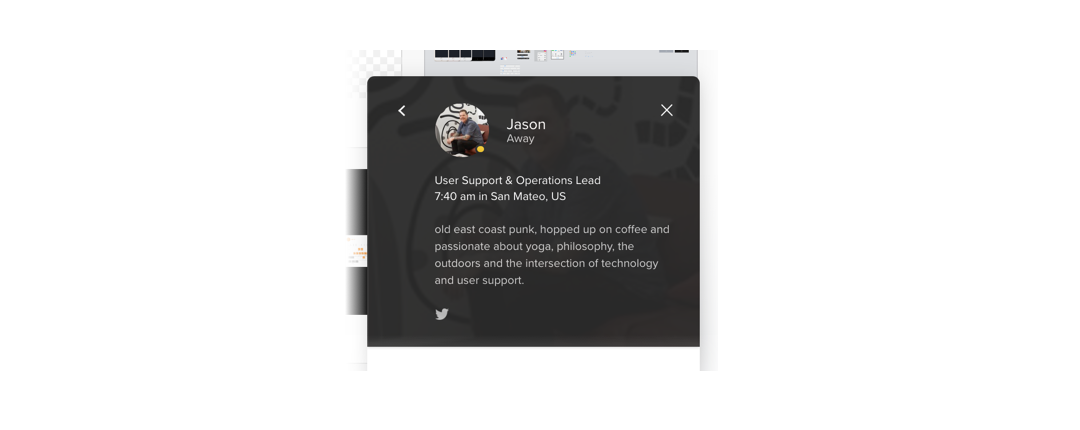
It was worth it. Users could see they were talking to real people, not faceless agents. One of the most satisfying moments was hearing user-testing participants call teammates by name or recall details about them.
Attention to details
Because the messenger lives on our customers’ websites, shipping a polished product was critical.
For instance, we noticed conversations were usually short bursts. So instead of loading the entire messenger every time, we built Borderless — a lightweight mode that lets users reply on the fly when they get a notification of a new reply.
Another example is a micro-interaction we added mid-project. The messenger had a close button in the top-right corner — a standard pattern. In a testing session, we saw users constantly switching between the conversation and the website: closing the messenger top-right, then reopening it from the launcher at the bottom-right. That didn’t seem optimal, so I suggested reusing the launcher to close the messenger too, like a toggle. We quickly added a second launcher state and tested it with the next user.
The first user looked for a top-right close button for a few seconds (concerning at first), but once they found the launcher it clicked almost instantly and made navigation much easier — a result confirmed by many sessions afterwards. It broke a couple of our design principles (standard over innovative, intuitive over learnable), but breaking principles consciously is fine when the payoff feels this right.
An incredible collaboration
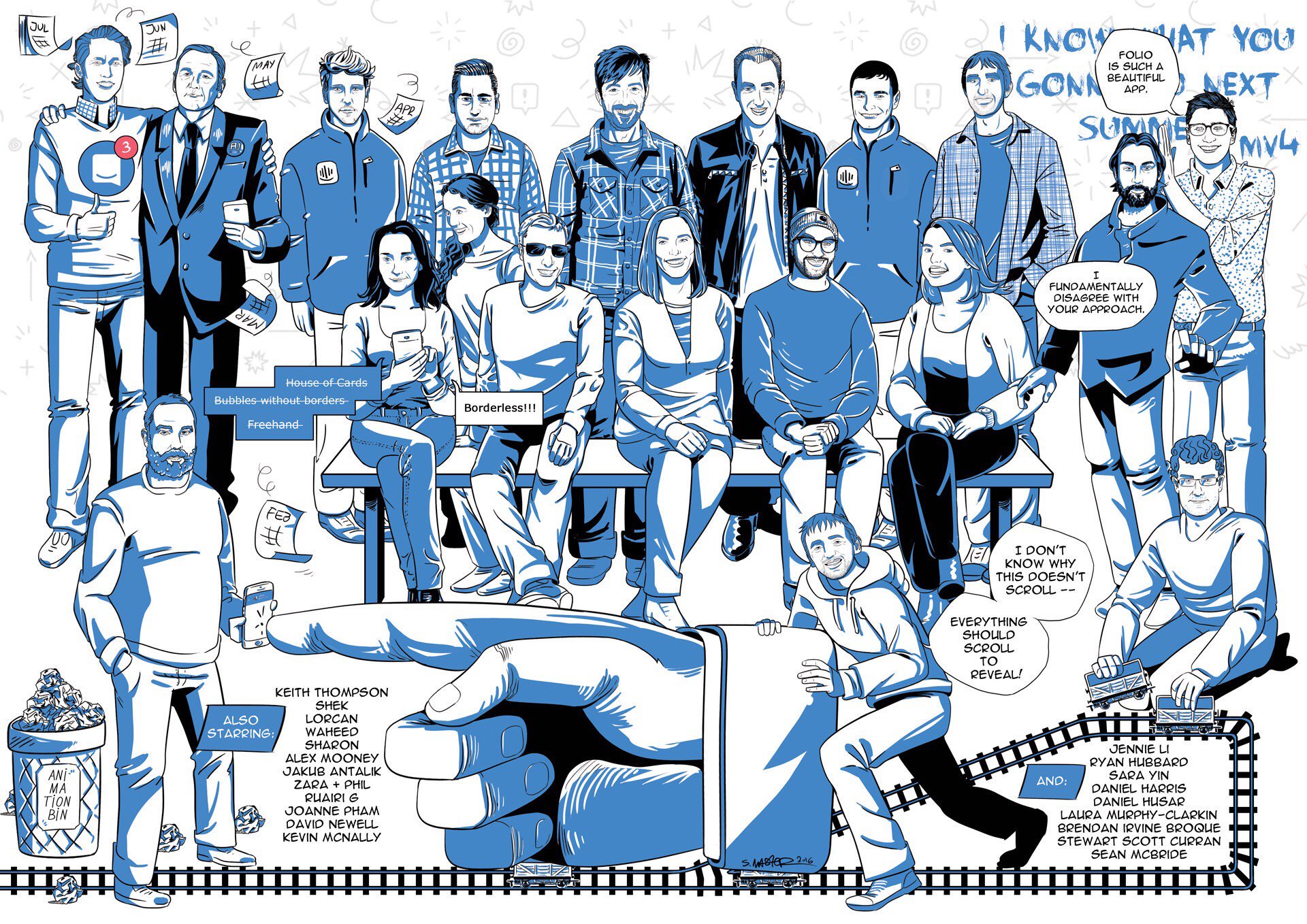
The best part of this project was the collaboration. As the main designer I worked closely with the product manager on prioritisation, with engineers to prototype and build (I even pushed a few commits to production myself), with researchers to write scenarios and run our testing sessions, with analysts to get the numbers behind decisions, and — most of all — with other designers. We weren’t just building a product; we were building a platform that other Intercom teams would build on, so I worked with every designer in the company to make sure it was something they could use. That excitement led to a follow-on project: the messenger patterns.
Preparing the future of business messaging
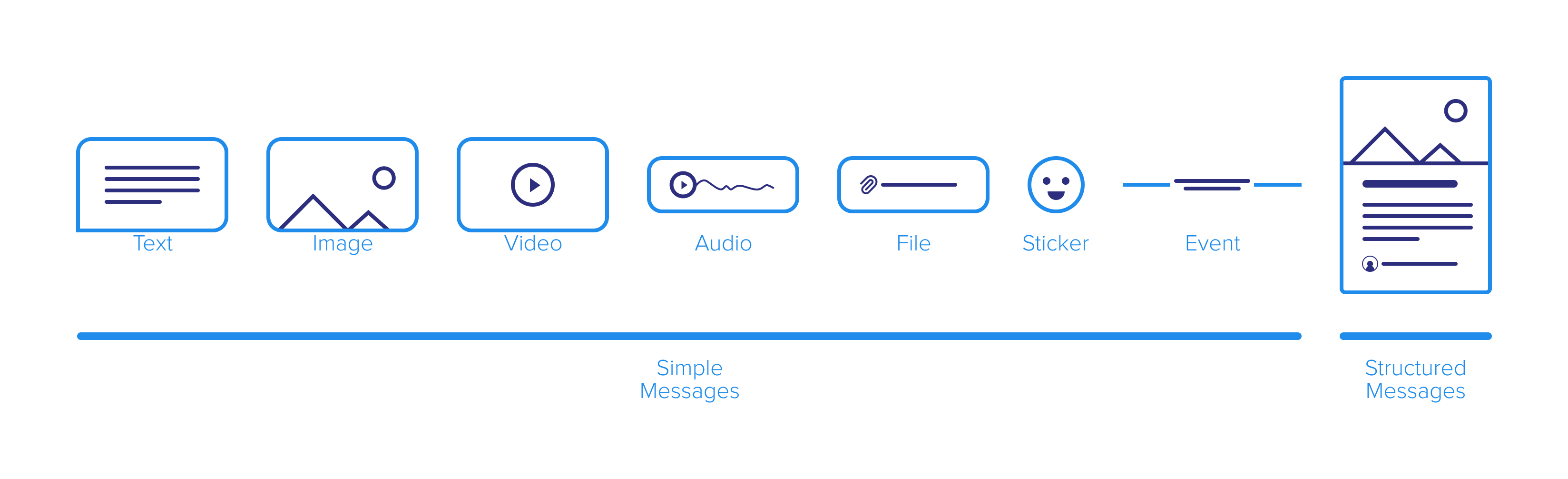
Shipping the messenger was only the first step. The bigger task was making it easy for other product teams to build on. So we documented “how to design for the messenger,” to help designers inventing the future services and interactions of business messaging at Intercom. It answered questions like: How will my design render across channels (email, or Facebook)? How do I collect data in a conversation (asking for a visitor’s email)? How do I show my own specific content (an article from the help center)?
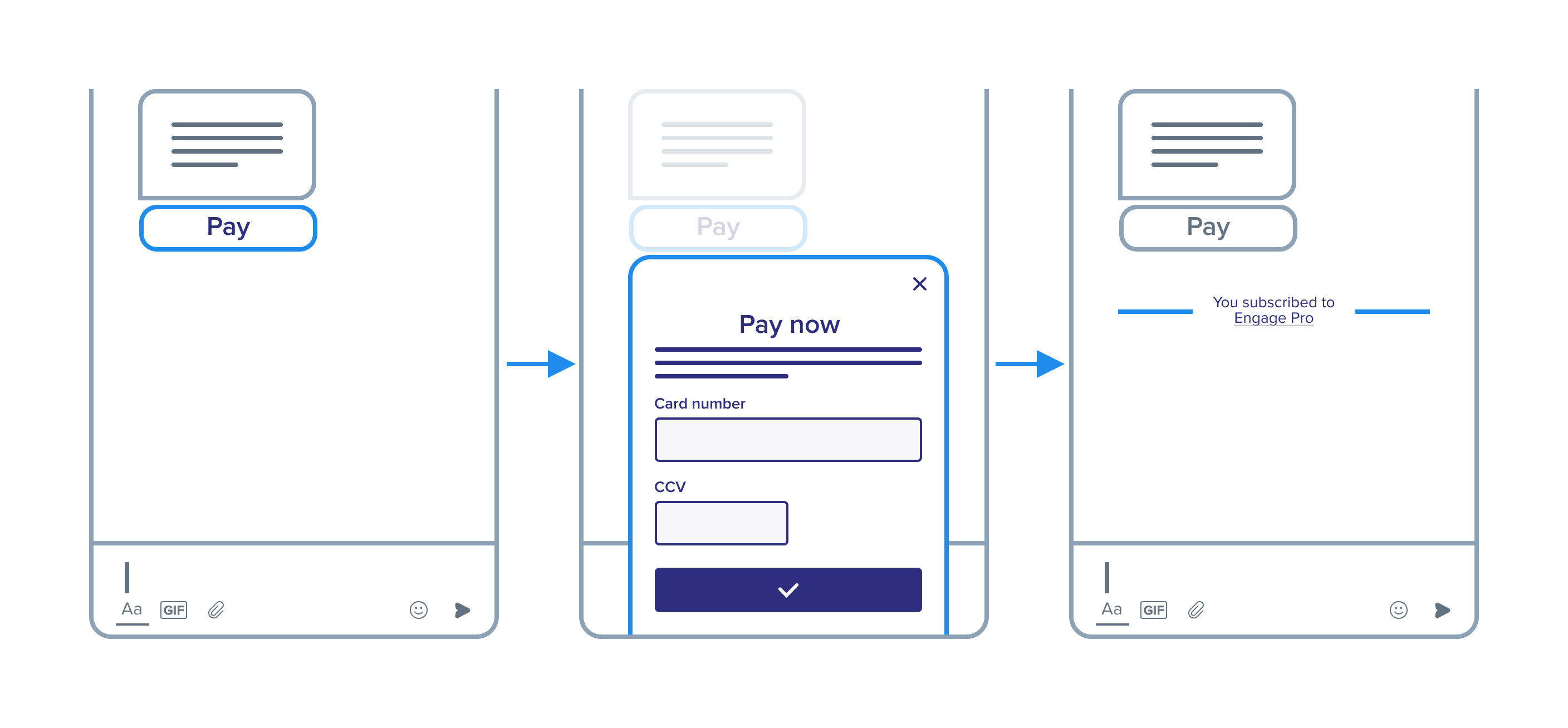
This spin-off was fascinating and extremely challenging. Inspired by Christopher Alexander’s “A Pattern Language,” I catalogued the common problems designers hit with the messenger and offered guidance and examples. The hard questions led to a deep understanding of the conversation model and of each tool — its pros, cons, and when it’s relevant.
This was by far the most exciting experience of my professional life. I loved everything: the domain, the result, and above all the team.